
Comics + children's storybooks
COMICS THAT MOVE.
STORIES TO EXPLORE.
Layer your artwork, add motion, sound and moments readers can tap — then hand the whole story over as one file that plays in any browser.
Free to read, no sign-up, no install. No waiting for the whole comic — the cover is under 0.9 MB, the next pages load as you read.
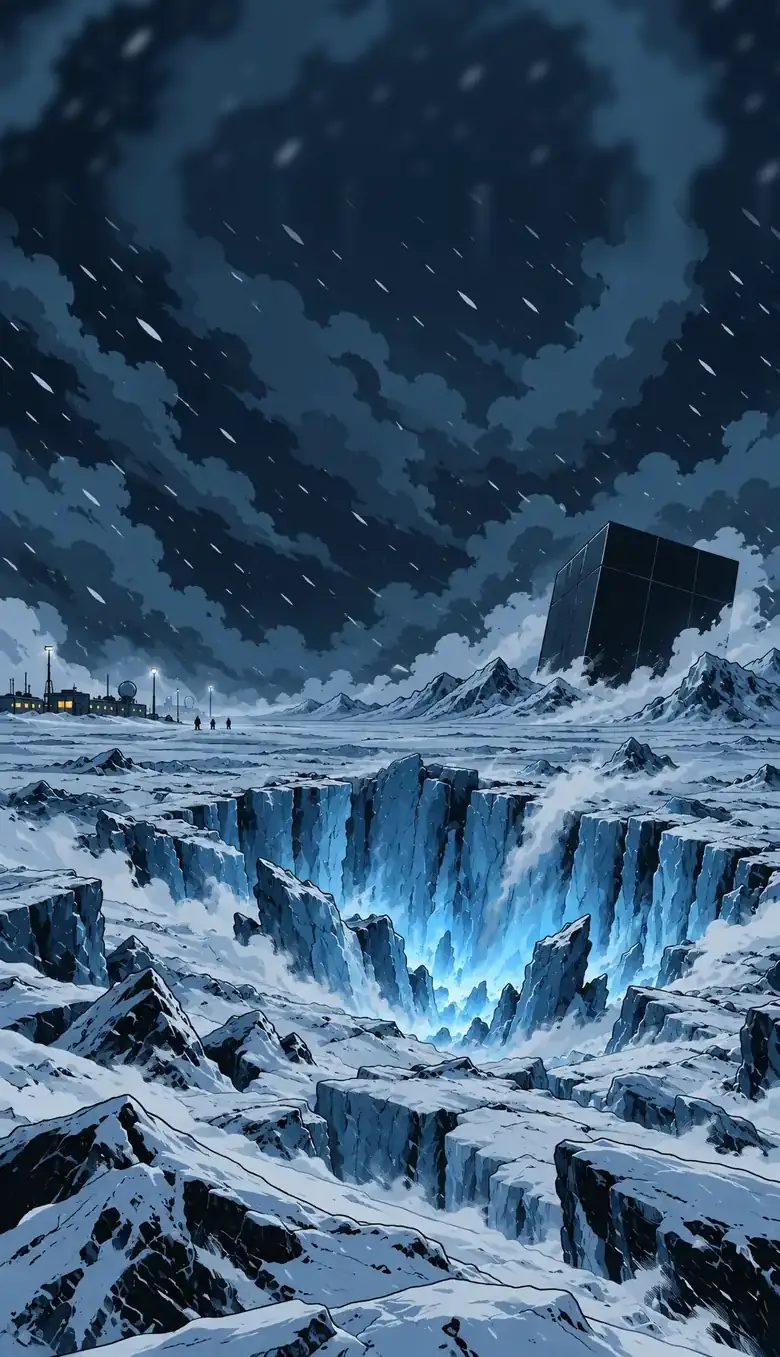
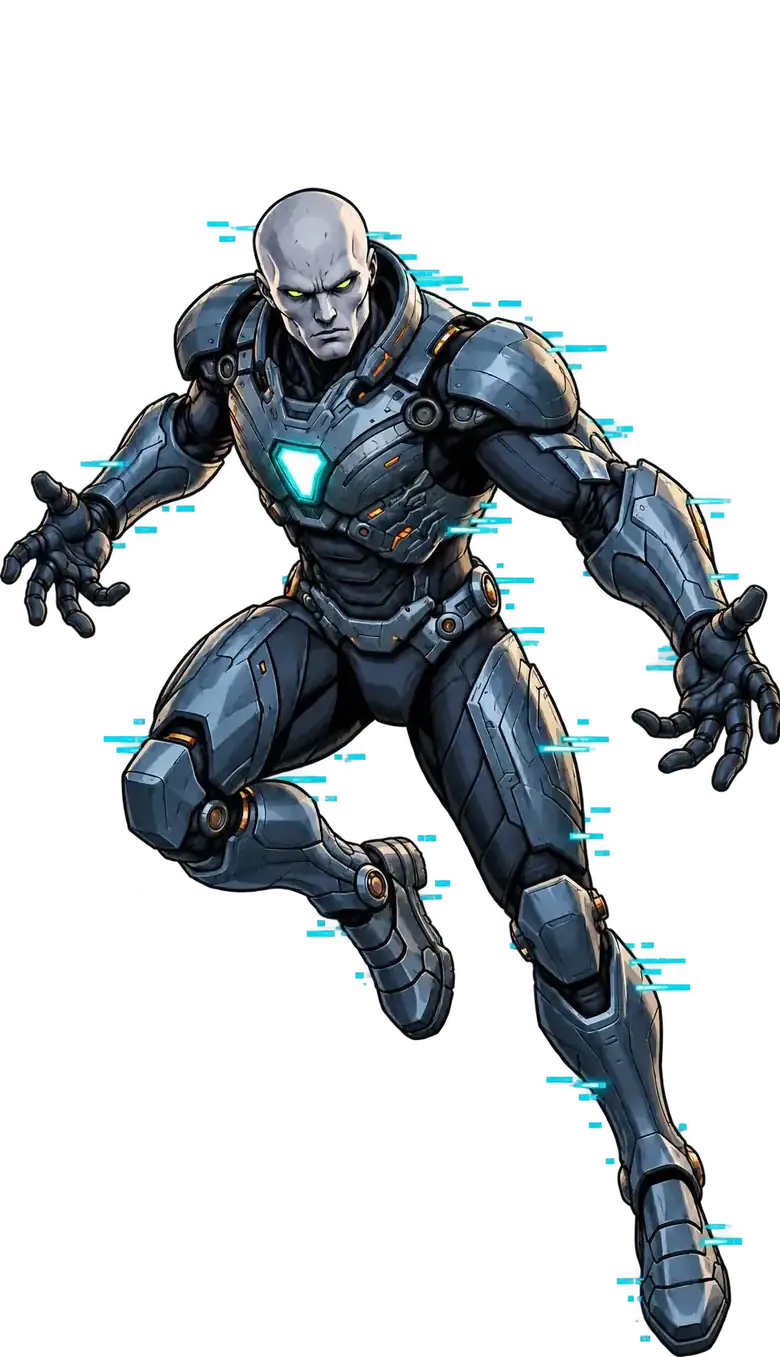

This is the actual cover of the demo, pulled apart into its four layers and moving live.
01 / COMIC + STORYBOOK
ONE COMPOSER.
TWO STORY WORLDS.
The same layers, motion and sound underneath — two very different reading experiences on top. Neither of these is a mock-up: both are finished projects, exported from Composer and played by Reader. Open one.


01 / COMIC
Animated comics
Panels keep their rhythm; depth, sound and timed beats do the rest.
- Flexible panels and independent artwork layers
- Motion, sound and timed scenario events
- Tap effects assigned to individual layers

02 / STORYBOOK
Children's storybooks
Your illustrations, your voice reading them, and little things that light up under small hands.
- Narration text and your own audio recordings
- Clickable areas, hidden objects and story choices
- Twinkling stars, fireflies and playful tap effects
02 / INSIDE THE FRAME
ONE PANEL.
MANY LAYERS.
Backgrounds, characters, FX, lettering and scenario events stay independent, so movement never has to flatten the composition.
Drag it: at one end the four layers are a finished panel, at the other they are what you actually edit.
World
Background and environmental motion establish scale and atmosphere.
Characters
Independent foreground artwork moves without redrawing the whole panel.
FX + Sound
Fog, snow, sparks, light, sprites and audio sit above the artwork.
Scenario
Timed events, taps and page entry trigger movement and story beats.
03 / THE TOOLCHAIN
CREATE.
PACKAGE. READ.
Your story ends up as one .mcz file that carries the project and its media together. Send it, archive it, open it in ten years — it is yours, not locked in an account.
Create and edit the book.
One portable file: structure and media.
Interprets scenarios, motion and effects.
Plays it for your audience, free.
Web first. Native apps later.
SHOWCASE
ONE PAGE. FIVE STYLES.
A deep-sea lure that lights up, a leap over a stormy city, a punch you throw yourself, a lighter in a noir alley, an alarm in a robot cockpit. Every panel answers a tap. The same page comes with the Composer — open it in the editor and see how each one is built.
- Tap effects: glow, flash, shake, bounce
- Light changes, layers that appear and move
- Rain, snow, lightning, light rays
- Frame-by-frame sprites: blinking eyes, flickering flames
HOW IT WORKS
SEE IT IN MOTION.
Two short films, no sound needed: how a page is built in the Composer, layer by layer, and what a reader sees in Protocol 2030.
04 / COMPOSER ALPHA
FREE TO READ. ALPHA TO CREATE.
Reader and the demos stay public. The Composer alpha is on itch.io now — try the free demo first, then get the full alpha.
One download for animated comics and interactive picture books. Works in your browser, offline.
- Comic and Storybook modes, full export
- Showcase page you can open in the editor
- Example comic Protocol 2030 and picture book Luna
- Two practice kits with layers and step-by-step recipes
- Everything you make is yours — publish it, sell it
Free demo on the same page: every tool works; exports contain the first 2 pages with a small “Made with MotionComic” badge. Payment and download are handled by itch.io.
05 / QUESTIONS
BEFORE YOU ASK.
The things people actually want to know before they put their artwork into a new tool.
Who owns what I make?
You do. MotionComic never claims rights to your artwork or stories, and every project exports as an .mcz file you keep.
What artwork do I need?
Separate image layers — PNG or WebP with transparency for characters and FX, anything for backgrounds. One flattened JPG per page works, it simply moves less.
Does it work on a tablet?
Reading works on any modern phone, tablet or desktop browser. Composer is built for a larger screen first; tablet support is on the roadmap.
How do readers open my story?
A link. They open it in a browser, on any device, with nothing to install and no account.
Can I sell what I make?
Yes — everything you make with the Composer is yours, including commercial work. Built-in selling for your own readers is not part of the alpha.
How is this different from a video?
A video plays at you. A motion comic waits for you: the reader sets the pace, taps things, and every layer stays sharp at any size.
What happens if the project stops?
Your exported comic is a normal HTML file with everything inside. It keeps working on its own — it does not depend on this website or on us.
Where do I get the Composer?
On itch.io: a free demo, and the full alpha with examples and practice kits. Unzip it and open the HTML file in your browser.
EARLY ACCESS
HELP SHAPE
MOTIONCOMIC.
Join the list for news about Early Access and the Composer launch.